40% Off
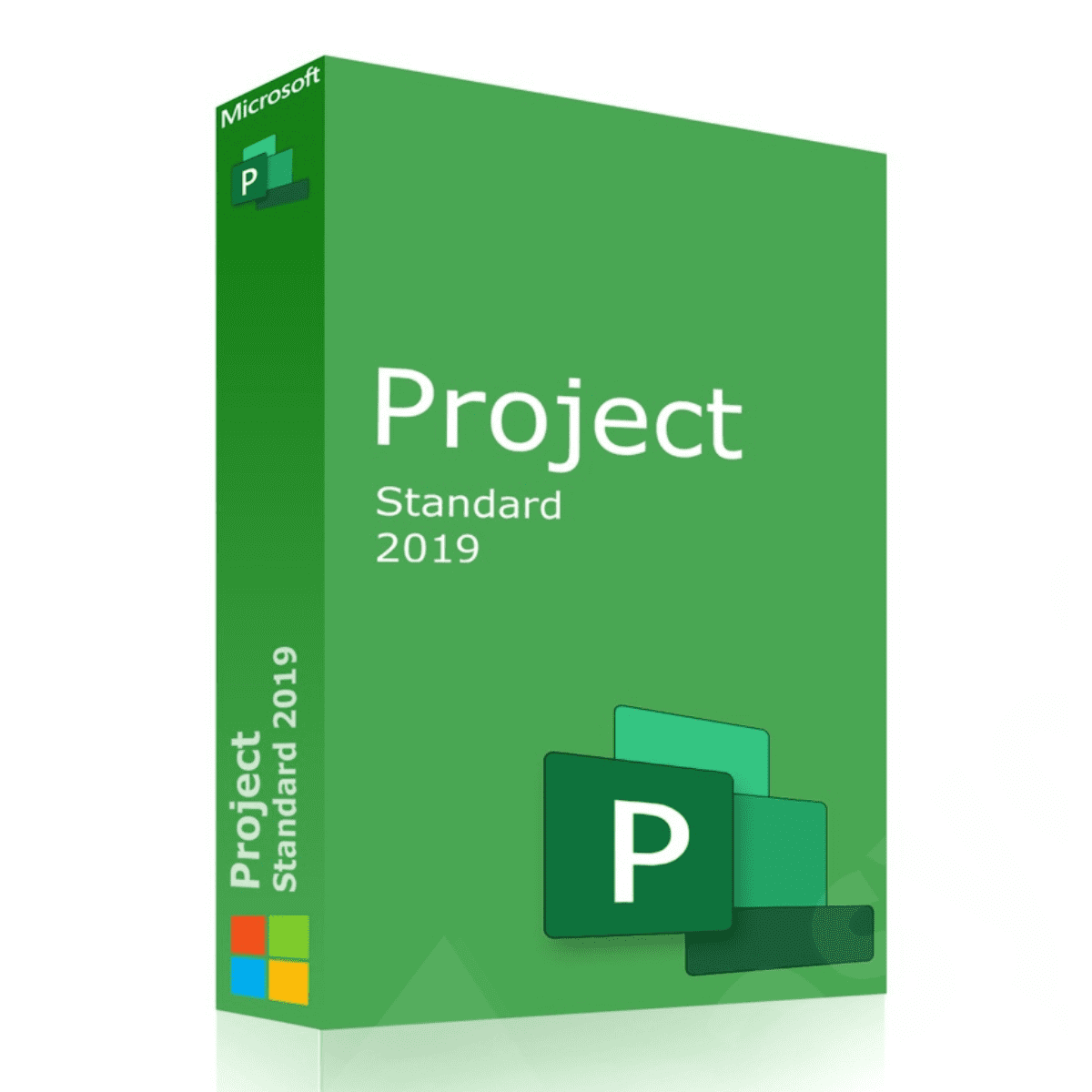
Microsoft Project Standard 2019 | One-Time Purchase – Lifetime Validity
$ 98.36
DESCRIPTION ADDITIONAL INFORMATION FAQ DESCRIPTIONPre-built templates help you get your project started on the right trackFamiliar automated scheduling tools help you reduce inefficiencies and training timeRun what-if scenarios to make the most of your task assignmentsAuto-populate start and end dates based on dependenciesVisually represent complex schedules with built-in multiple timelinesLicensed for 1 PC.REQUIREMENTS Processor1.6 gigahertz (GHz) or faster, 2 coresOperating SystemWindows 10, Windows Server 2019Memory4 GB RAM; 2 GB RAM (32-bit)Hard Disk Space4.0 GB of available disk spaceDisplay1280 × 768 screen resolutionGraphicsDirectX 10 graphics card for graphics hardware accelerationAdditional System RequirementsInternet access Microsoft accountSee office.com/systemrequirements for the full list of system requirementsDETAILS• Manufacturer: Microsoft• MPN: 076-05785• Digital download, no hard copy will be shipped.• License Type: Lifetime ADDITIONAL INFORMATIONManufacturer Part Number076-05785GTIN889842327199 What do I get with my purchaseYou receive a product key(license), download link, and install instructions. What’s the difference between Microsoft 365 and Office 2021?Microsoft 365 is a subscription that comes with premium apps like Word, Excel, PowerPoint, OneNote, Outlook, Publisher and Access (Publisher and Access available on PC only). The apps can be installed on multiple devices, including PCs, Macs, iPads, iPhones, Android tablets and Android phones. Microsoft 365 also comes with services like 1 TB of OneDrive storage, 60 Skype minutes per month and Microsoft chat and phone support. With a subscription, you get the latest versions of the apps and automatically receive updates when they happen. Office 2021 is a one-time purchase that comes with classic apps like Word, Excel and PowerPoint for PC or Mac, and does not include any of the services that come with a Microsoft 365 subscription. One-time purchases don’t have an upgrade option, which means if you plan to upgrade to the next major release, you’ll have to buy it at full price. Do I need internet access to run Windows?Internet access is required to install, activate and Update Windows, but not to use Windows fully installed on your computer. How do I get the downloadMost products are delivered digitally via email within 30 minutes of purchase. Whats if I need help?We provide installation support free with all purchases. Just reach out if you need help, we’re here! Other Questions?Give us a Call or Chat ([email protected]) instantly!
Related products
-
32% Off
-
38% Off
-
30% Off
-
25% Off